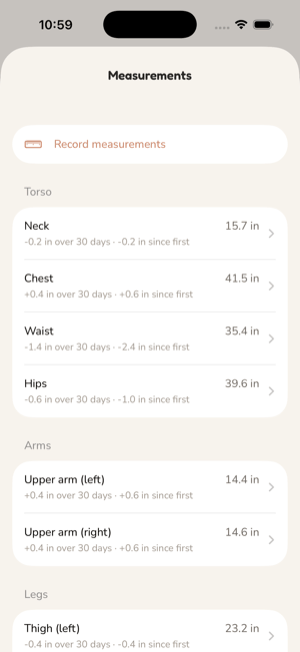
A tape measure and a camera record what the scale cannot. Both live under Progress › Measurements, one measured day at a time.
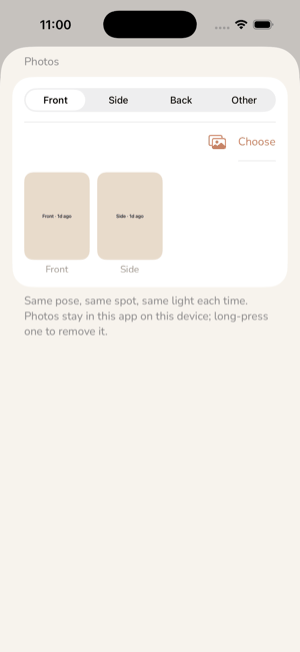
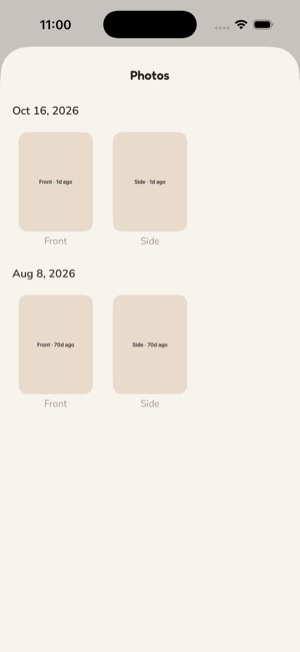
Each day you measure is one record: the date, an optional note, any of the eleven sites you filled in, and any photos you attached. Measure as many or as few sites as you like. Tap a day to edit it; swipe to remove it, photos and all. Readings are stored in centimetres and shown in the unit you prefer; the export carries inches beside them.
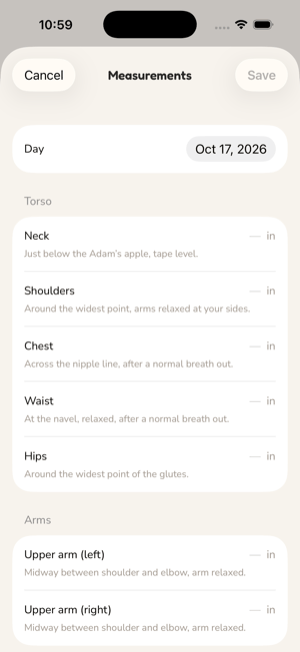
The guidance appears under each field, so readings stay comparable from one month to the next. Measure the same way each time: same spots, tape snug but not tight.
| Site | Where |
|---|---|
| Neck | Just below the Adam's apple, tape level. |
| Shoulders | Around the widest point, arms relaxed at your sides. |
| Chest | Across the nipple line, after a normal breath out. |
| Waist | At the navel, relaxed, after a normal breath out. |
| Hips | Around the widest point of the glutes. |
| Upper arm, left and right | Midway between shoulder and elbow, arm relaxed. |
| Thigh, left and right | Midway between hip and knee, standing. |
| Calf, left and right | Around the widest point, standing. |
Each site shows how it has moved since your first reading and since the reading nearest 30 days back. The deltas are numbers only. Whether a bigger arm or a smaller waist is good is your reading, never a colour the app applies.
Waist is the one tape site Apple Health has a type for. If you connect it from the Measurements screen, the app reads waist readings other apps logged and writes the ones you type here, replacing only its own earlier sample for that day. A value that came from Health is never written back. Every other site is local to the phone. The connection is off until you turn it on.
See also: Weight and body composition, Apple Health.